Excel files get corrupted on occasion #1


Description

After the script runs, Update_CLAS_lab_software.vbs (the script that opens and closes the Excel files) displays the following message:
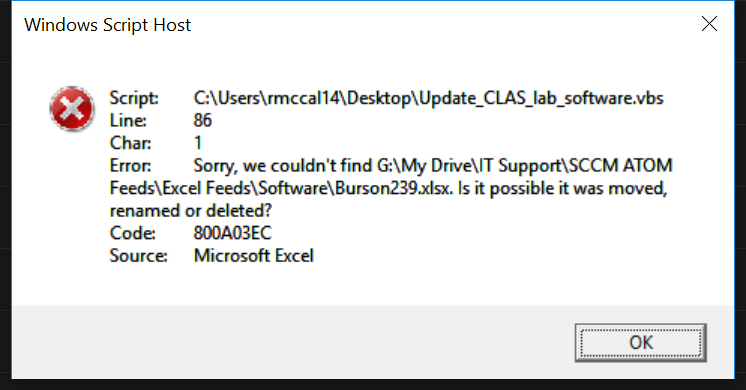
This stops the script, meaning the Excel feeds after the corrupted one do not get updated. To circumvent this, I have tried adding sleep timers to the vbs script (WScript.Sleep 20000), but the issue is still occuring.
If you open the corrupted Excel fo;e in Windows Explorer (from Google Drive File Sync), the following error appears, indicating it is corrupted:
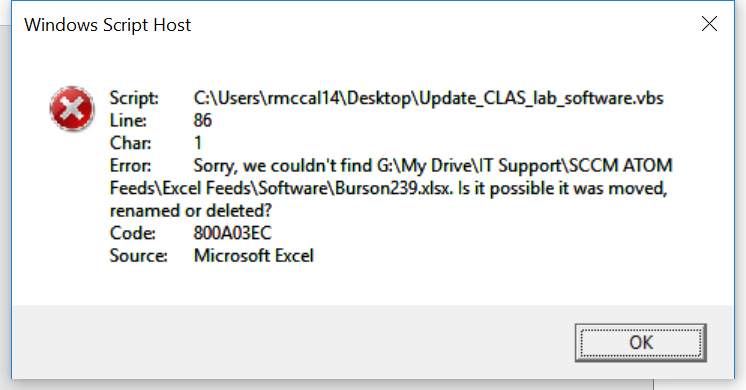
To temporarily resolve this, you can download the Excel file from Google Drive online and replace the broken one, then run the script again.
So far Burson239.xlsx and COED434Laptops.xlsx were corrupted.
I will try extending the sleep timers to see if this resolves the issue.