Incompatibility with Gutenberg #1

Description

Issue Overview
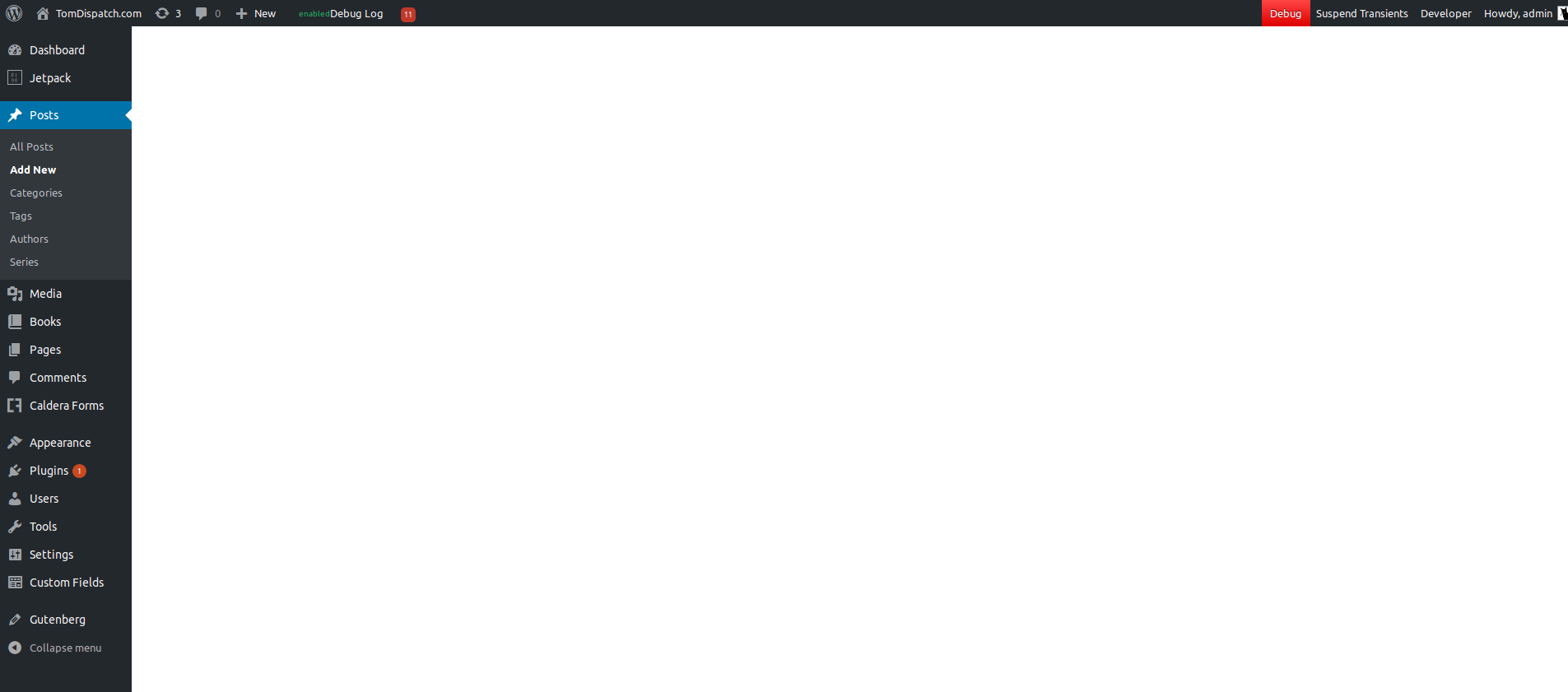
Post editor screen is blank when Gutenberg (https://github.com/WordPress/gutenberg) and WP Log Viewer (Version 1.2.1) are both active.
Steps to Reproduce
- Install and activate WP Log Viewer (https://github.com/allbitsnbytes/wp-log-viewer/)
- Install and activate Gutenberg
- Go to post editor screen (Posts > New Post or Posts > All Posts > {Any Post})
Expected Behavior
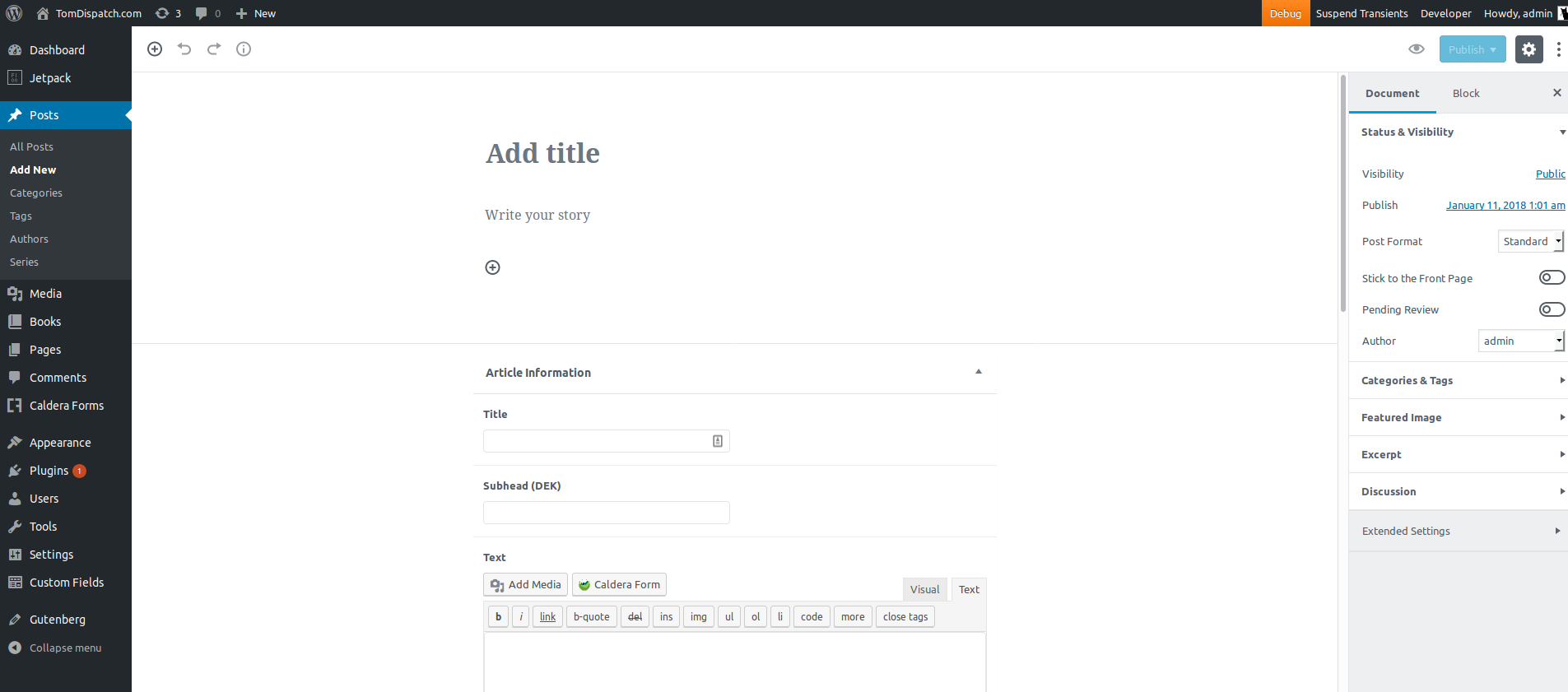
Post editor should appear with new Gutenberg interface.
Current Behavior
- Post editor screen is blank.
- JS console displays the following error
TypeError: Cannot call a class as a functionhttp://tomdispatch.dev/wp-content/plugins/gutenberg/editor/build/index.js line 11
Possible Solution
Deactivating WP Log Viewer, resolves issue.
Screenshots / Video
When WP Log View is Active
When WP Log View is NOT Active
Environment
Ubuntu 16.04
Firefox 57.0.4 (64-bit)
WP Log Viewer Version 1.2.1
Gutenberg Version 1.9.1