Can't Add BPM Target #11

Description

Hello. So I'm a first time user of this software, but am familiar with the EOS software. I am trying to use the Sound2Light application on a laptop where I am also running the EOS Nomad software v2.7.4. My end goal is to be able to change the BPM of effects to match sound.
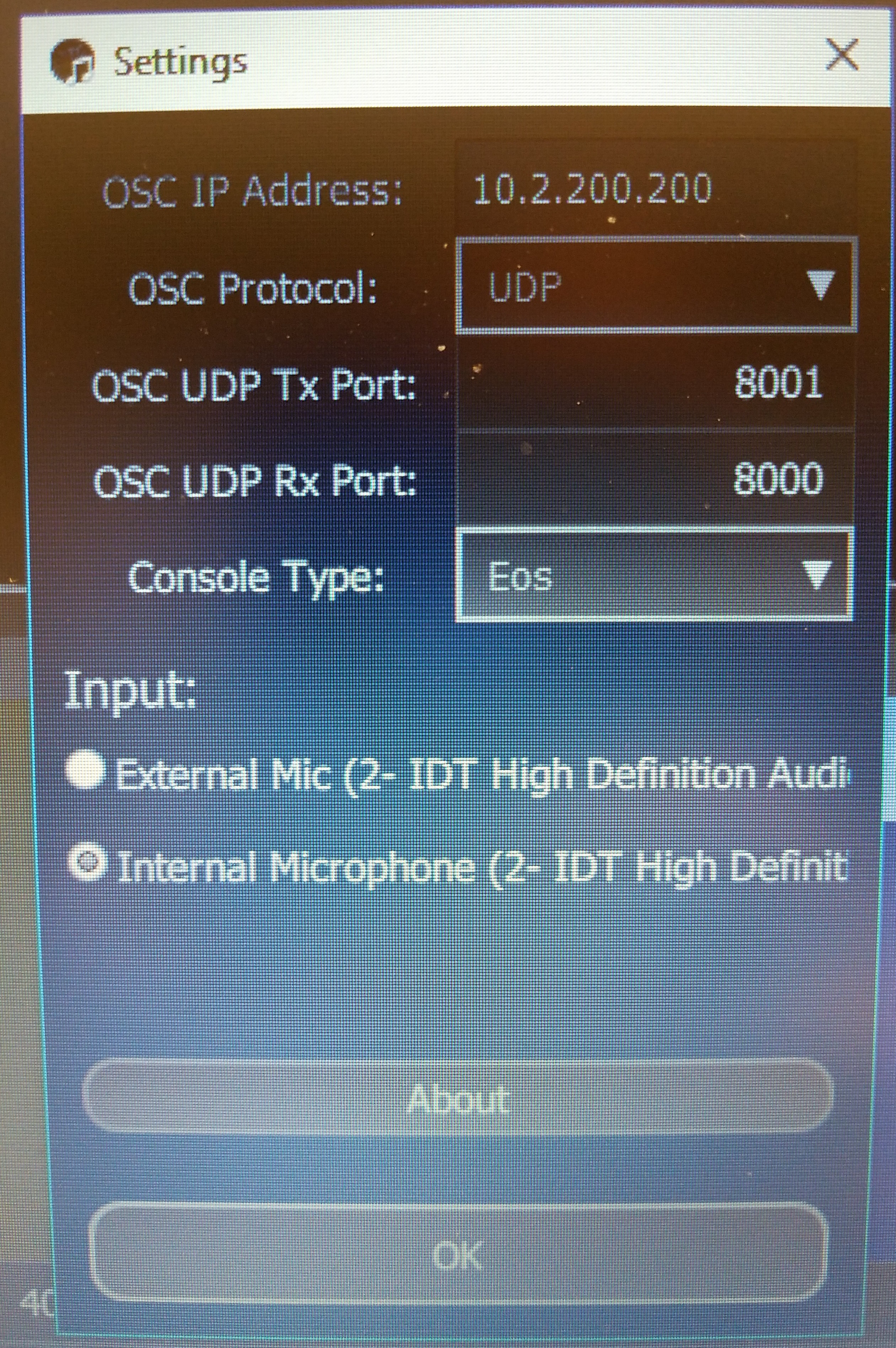
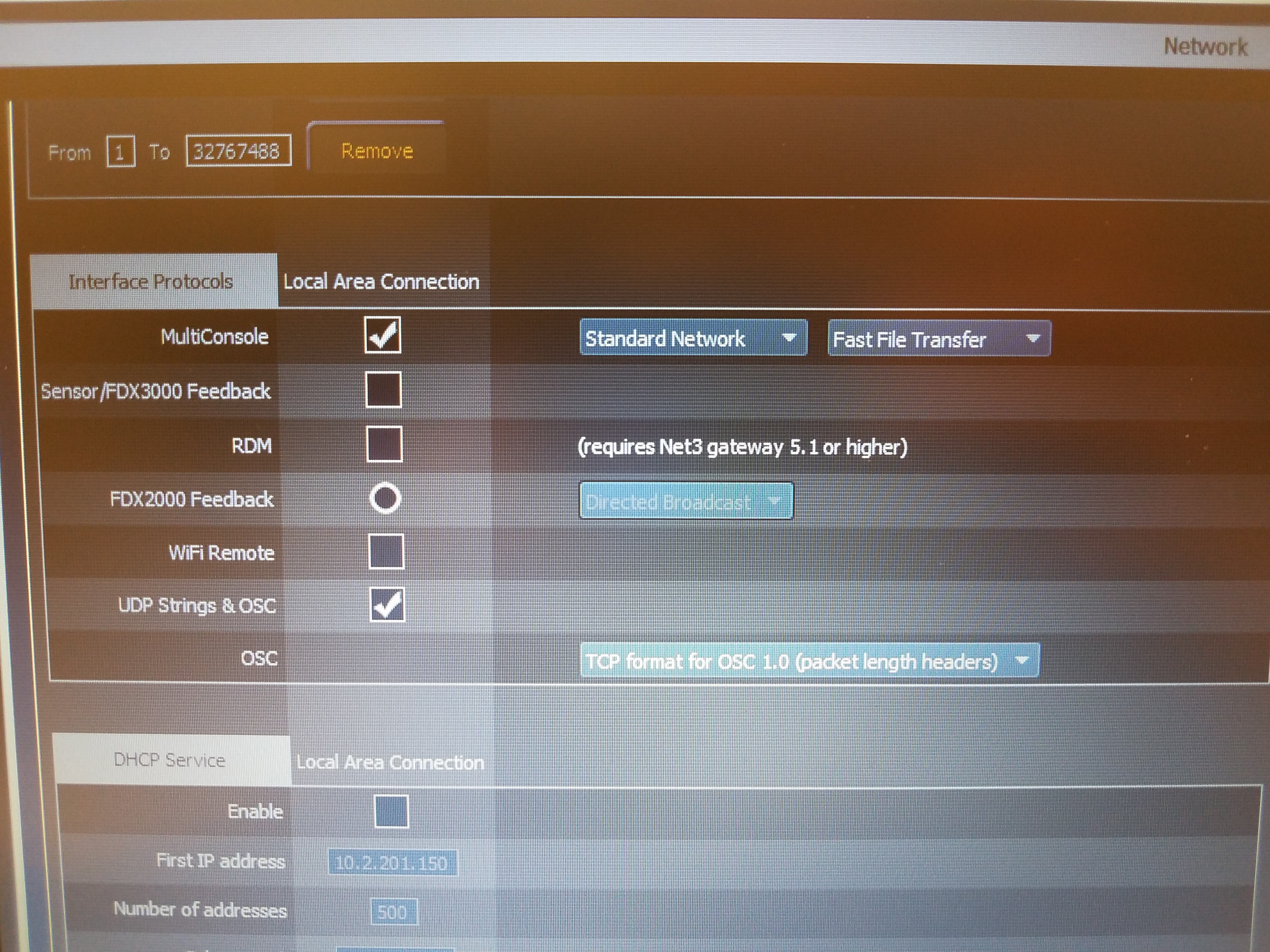
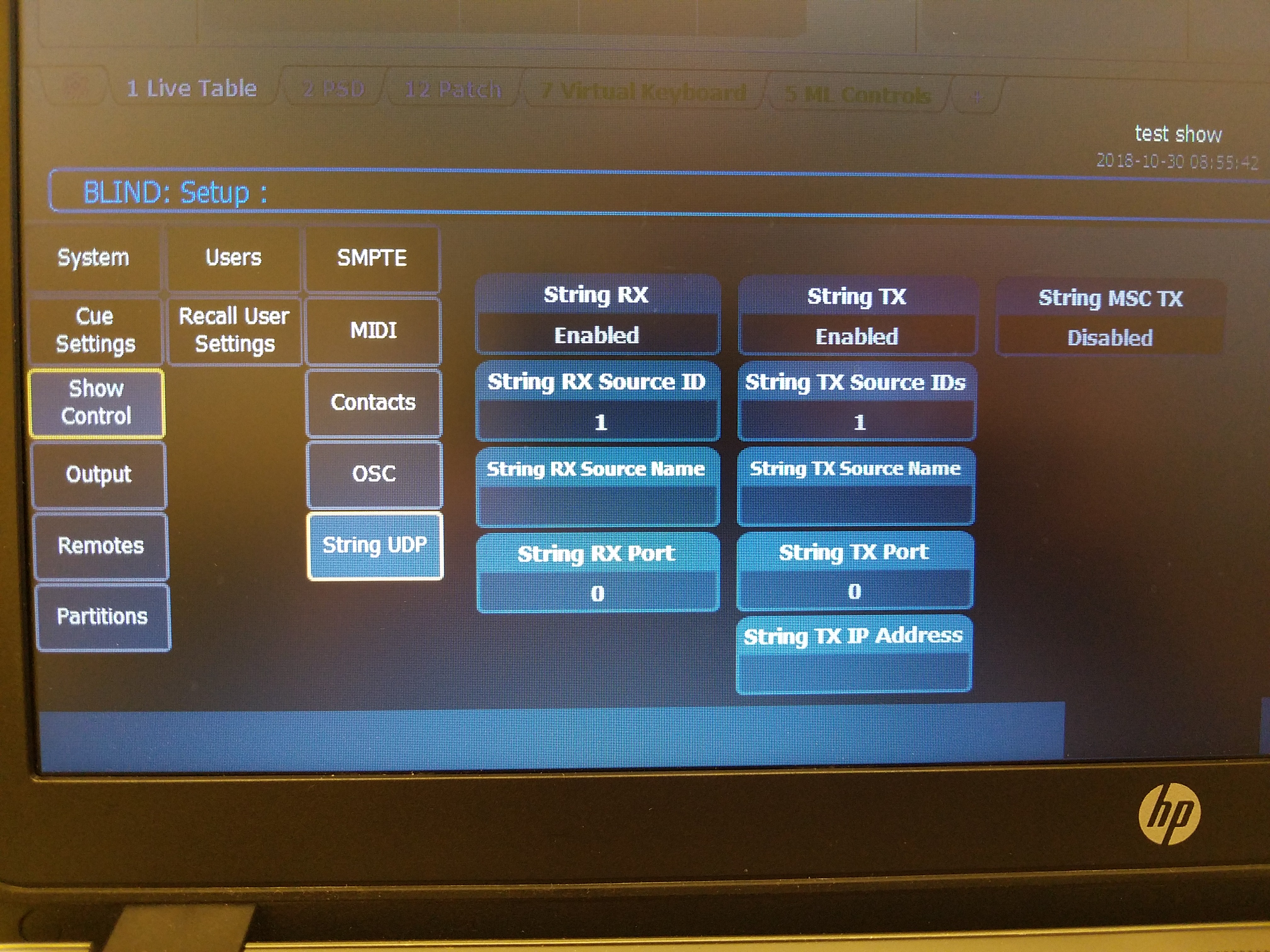
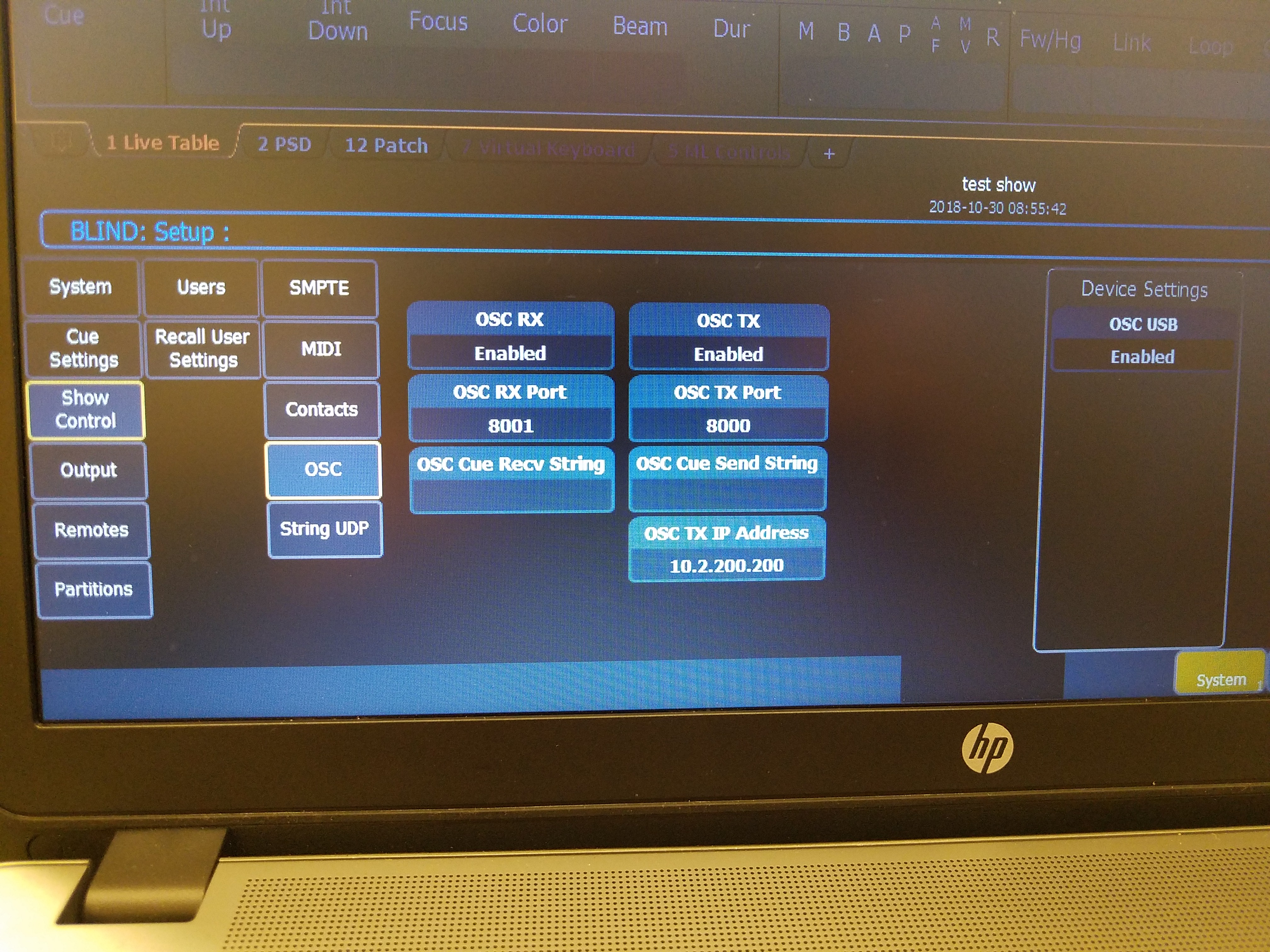
I believe that I've configured both the EOS software shell settings and show control settings, and Light2Sound settings as described in the Sound2Light manual. So far, I have successfully been able to add an OSC message to bands that trigger channels to go to full and then back to out. Unfortunately, I can't get the "add BPM target" function to work.
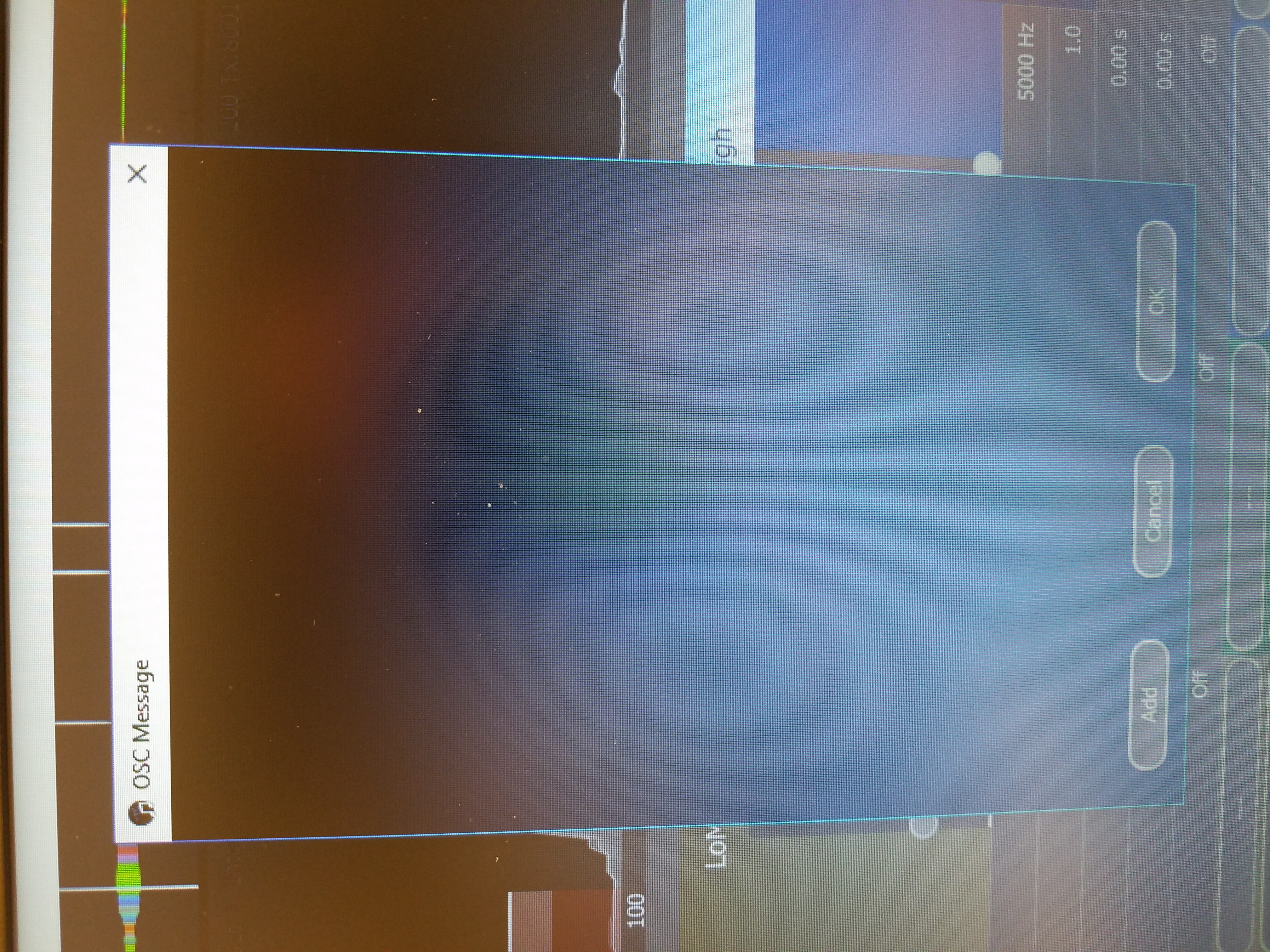
When I click on BPM target, the OSC Message window opens, but it is blank. When I click add target, nothing happens.
Any insights here as to what I might be doing wrong would be very helpful. Thanks.